Post-production for wedding photographers and videographers Every edit you owe, on one board.
Book a highlight film, sneak peeks or a gallery and it lands on the board after the wedding. Assign the editor, set the due date, follow the revisions and mark it delivered, for every couple at once.
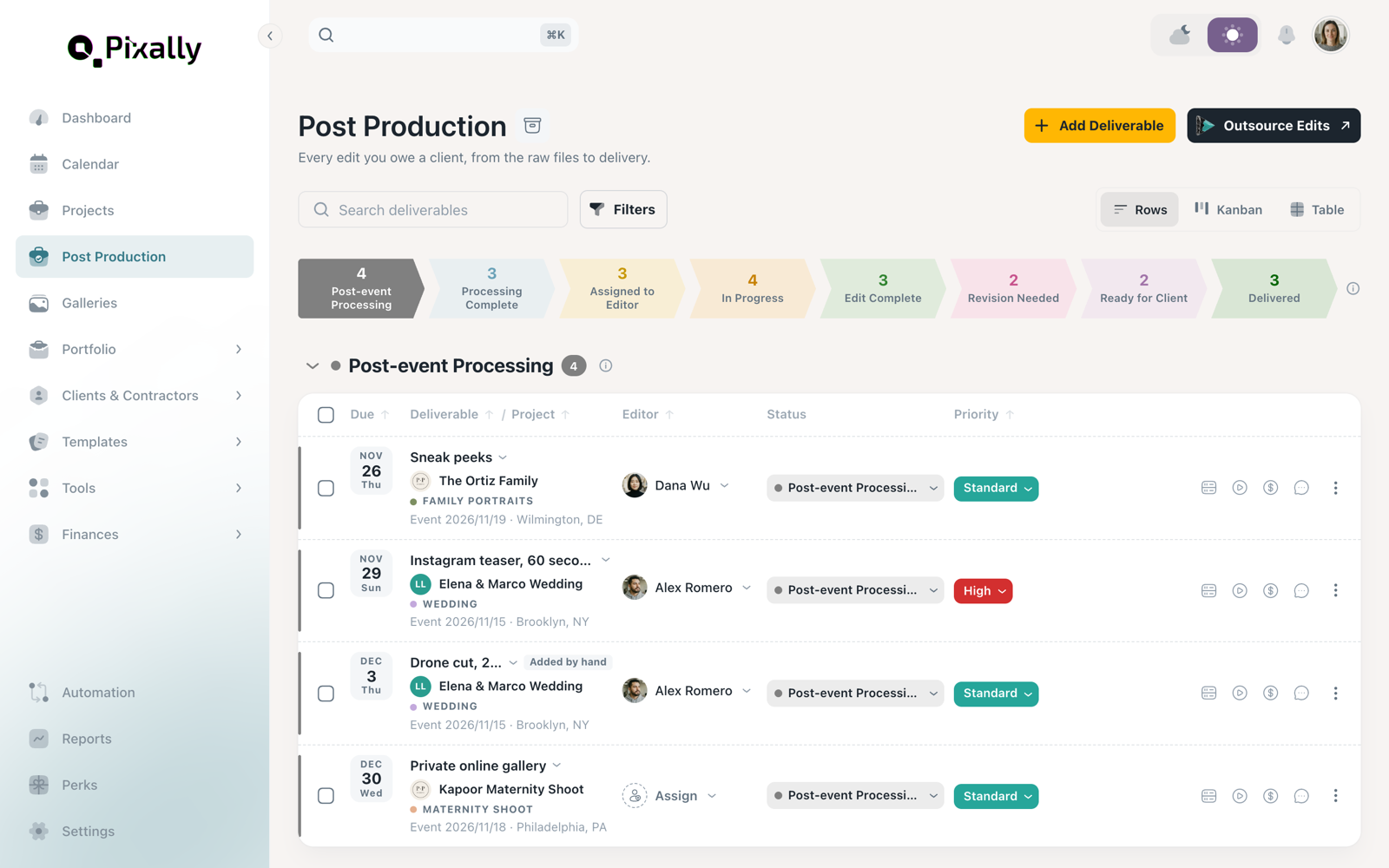
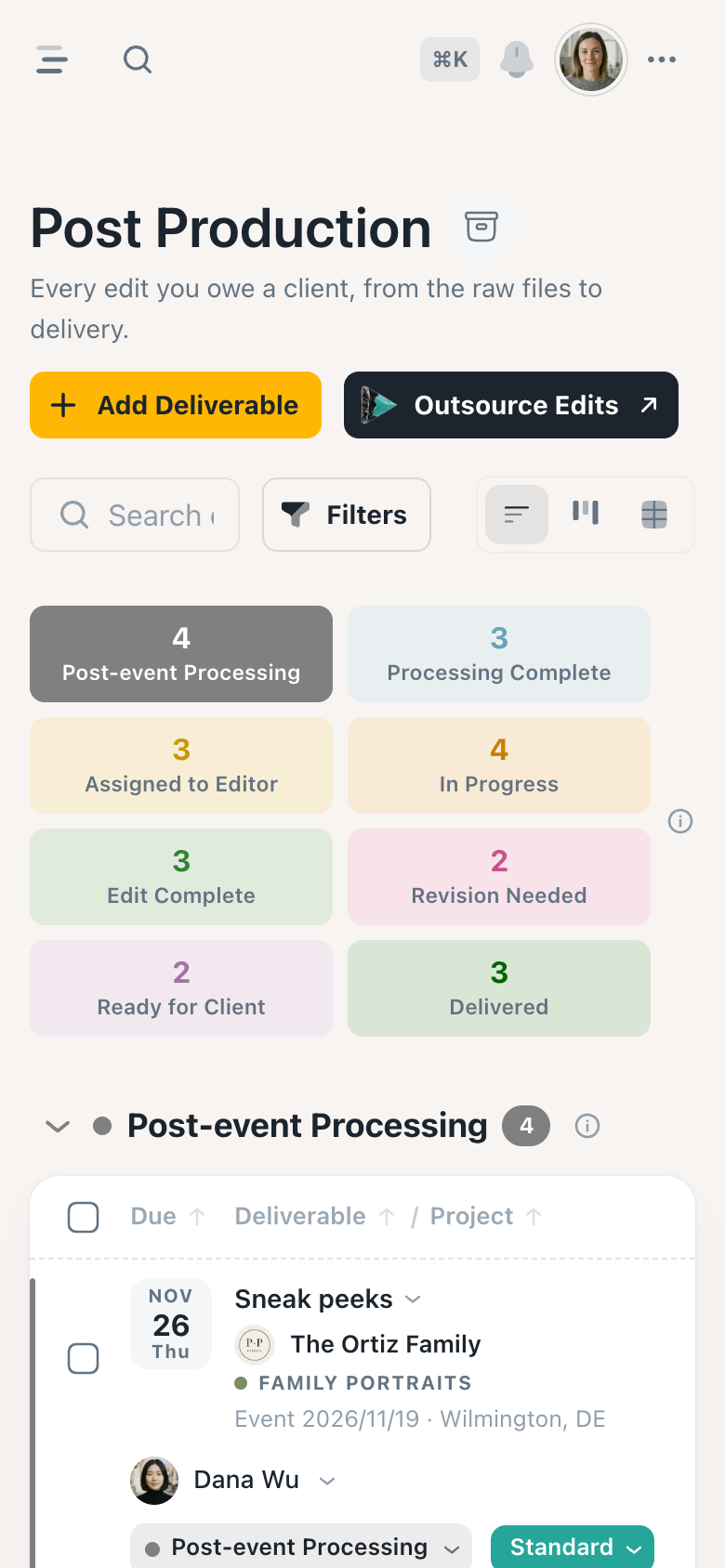
It fills itself
Sell it once. It shows up after the wedding.
When you build a package or a proposal, mark the line items that are deliverables: the sneak peeks, the highlight film, the full gallery, the teaser for Instagram. When a couple books, each one lands on the board after their event, with its due date and the project and event it came from.
Nobody types the edit list twice. If you add a deliverable by hand, it says so.
Eight stages
Know where every edit is, without asking.
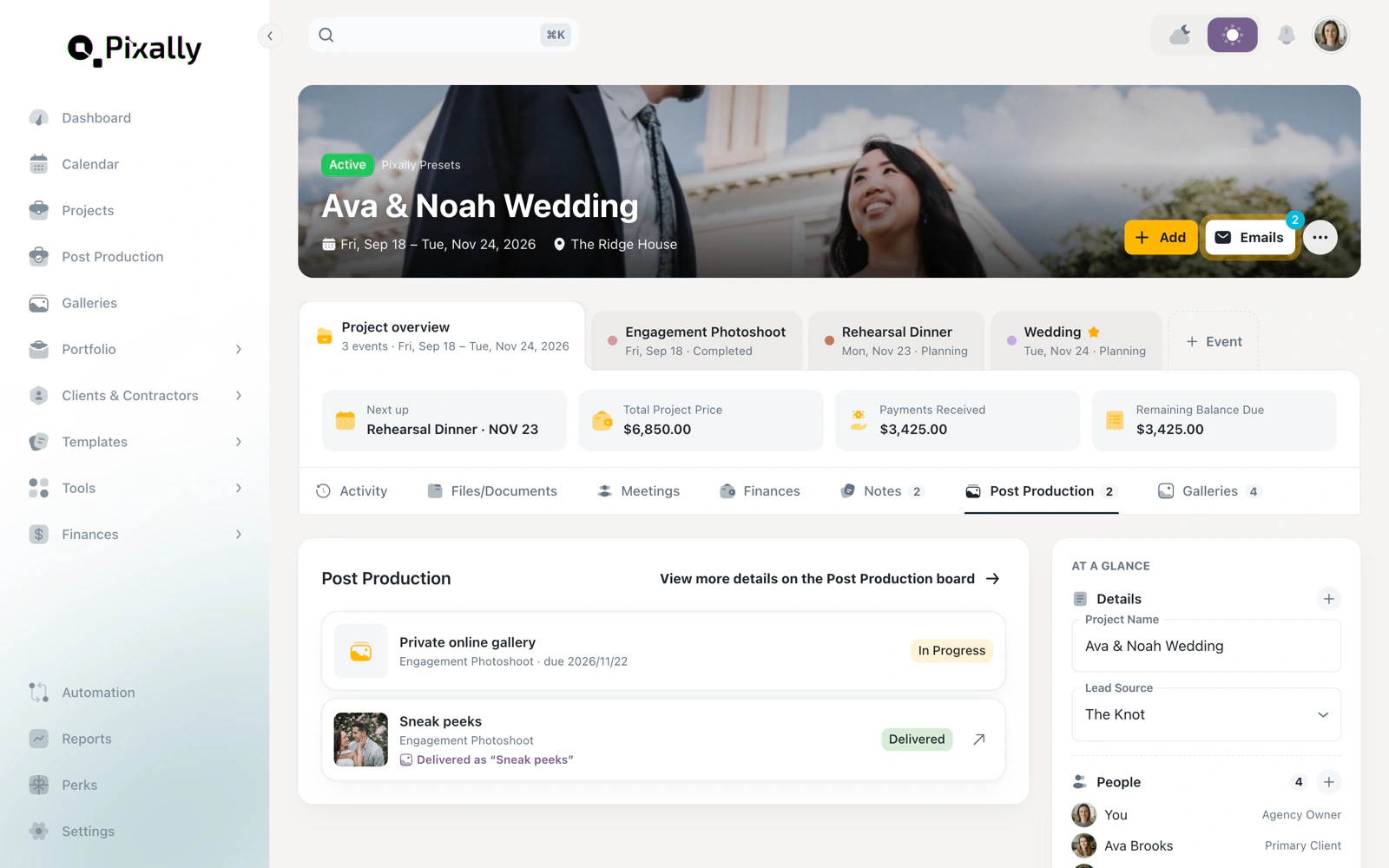
Each deliverable moves through the stages of a wedding edit, and the board counts how many sit at each one, so a glance tells you what is late and who is waiting.
- 1Post-event processing
- 2Processing complete
- 3Assigned to editor
- 4In progress
- 5Edit complete
- 6Revision needed
- 7Ready for client
- 8Delivered
On the Kanban board, drag a card to the next stage. Cards sort by soonest due, and anything overdue or due soon is marked.
One edit, everything about it
The editor, the files and the pay, in one panel.
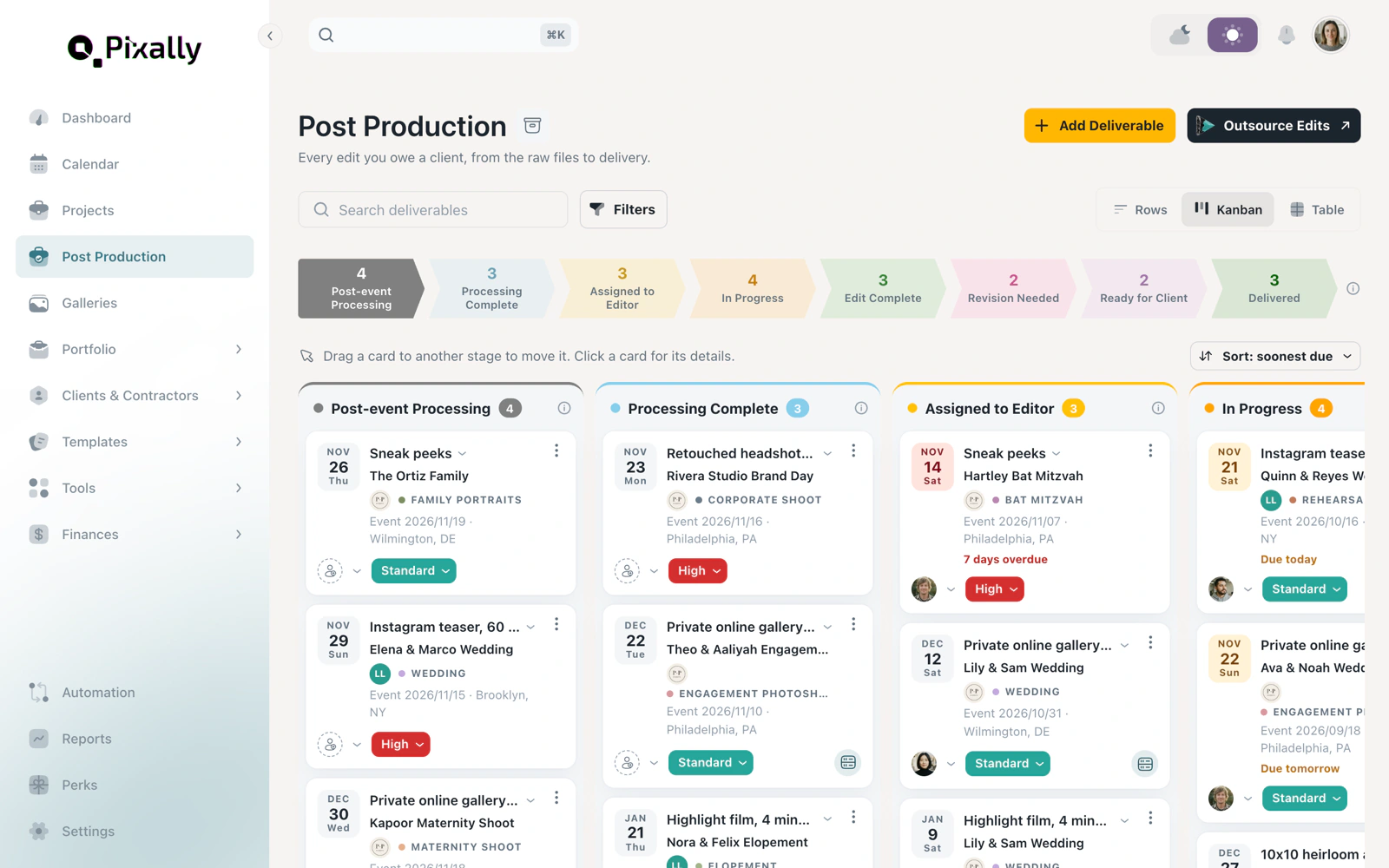
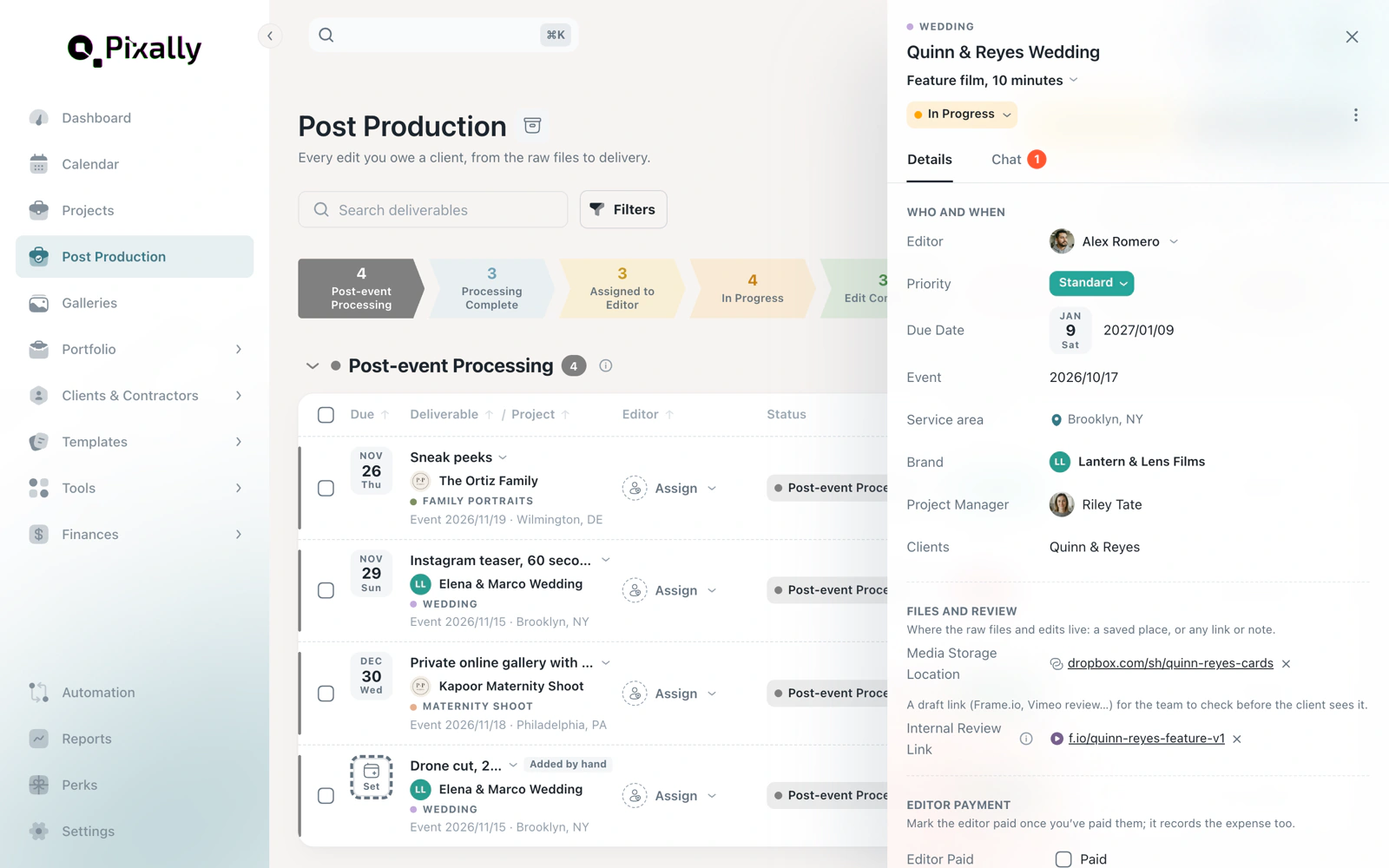
Open a deliverable and its details sit beside the board: the editor, the priority, the due date, the event, the brand, the project manager and the couple.
Below them: where the raw files live, the review link for drafts, and whether the editor has been paid. Marking an editor paid records the expense as well. The conversation with the editor is on the Chat tab next to it.
Three views
Rows, Kanban or a table.
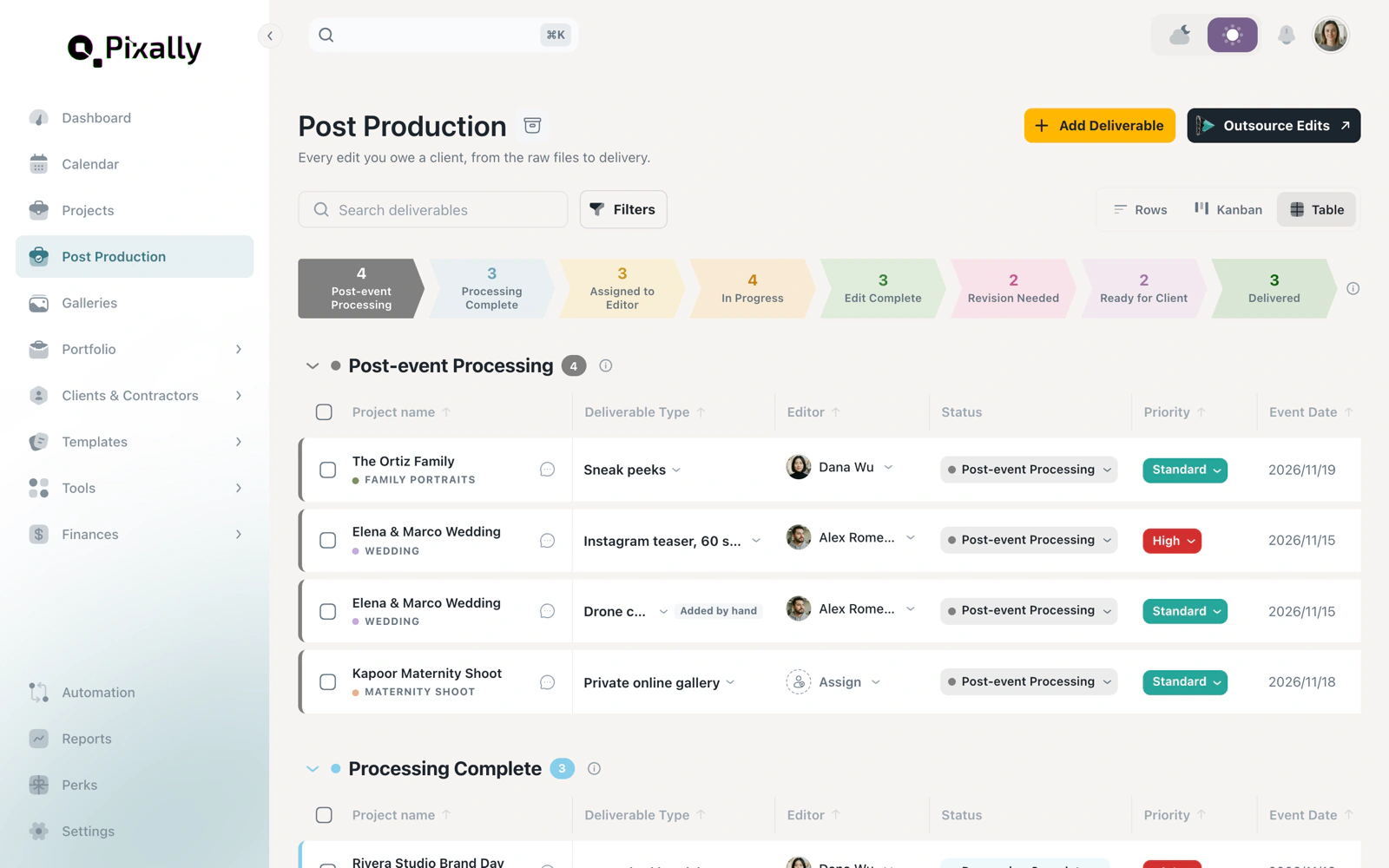
The same deliverables, three ways. Rows grouped by stage for the day ahead, a Kanban board to move work along, and a dense table for sorting a long list by project, editor, status, priority or event date.
FAQ
Post-production, answered
Which Pixally plans include post-production management?
Pro and Studio. Every plan has projects, tasks and the calendar; the post-production board is on Pro and Studio.
How do deliverables get onto the board?
From the booking. When you build a package or proposal, mark a line item as a deliverable, such as a highlight film or an album. When the couple books it, it appears on the board after their event. You can also add one by hand.
Can I assign edits to outside editors?
Yes. Assign each deliverable to an editor on your team or an outside editor, with a due date and a priority, and keep the conversation with them in its chat.
Can I track what I owe my editors?
Yes. Each deliverable records whether its editor has been paid, and marking it paid records the expense as well.
Does it work for photo and video edits?
Yes. A deliverable is anything you sell: sneak peeks, a private online gallery, a highlight film, a teaser for Instagram, a drone cut or an album.
Keep reading
Related
Features
Field notes
Run your next season in one place.
Start on the Free plan, and bring your studio with you.
- Free plan
- No card needed
- Free AI import from your old CRM