Wedding contracts and e-signature Your contract, signed online.
Write it once as a template, with smart fields for the couple's names and your brand. It goes out inside your proposal, and the couple signs it online before they pay the retainer.
Templates
Write it once. Use it for every couple.
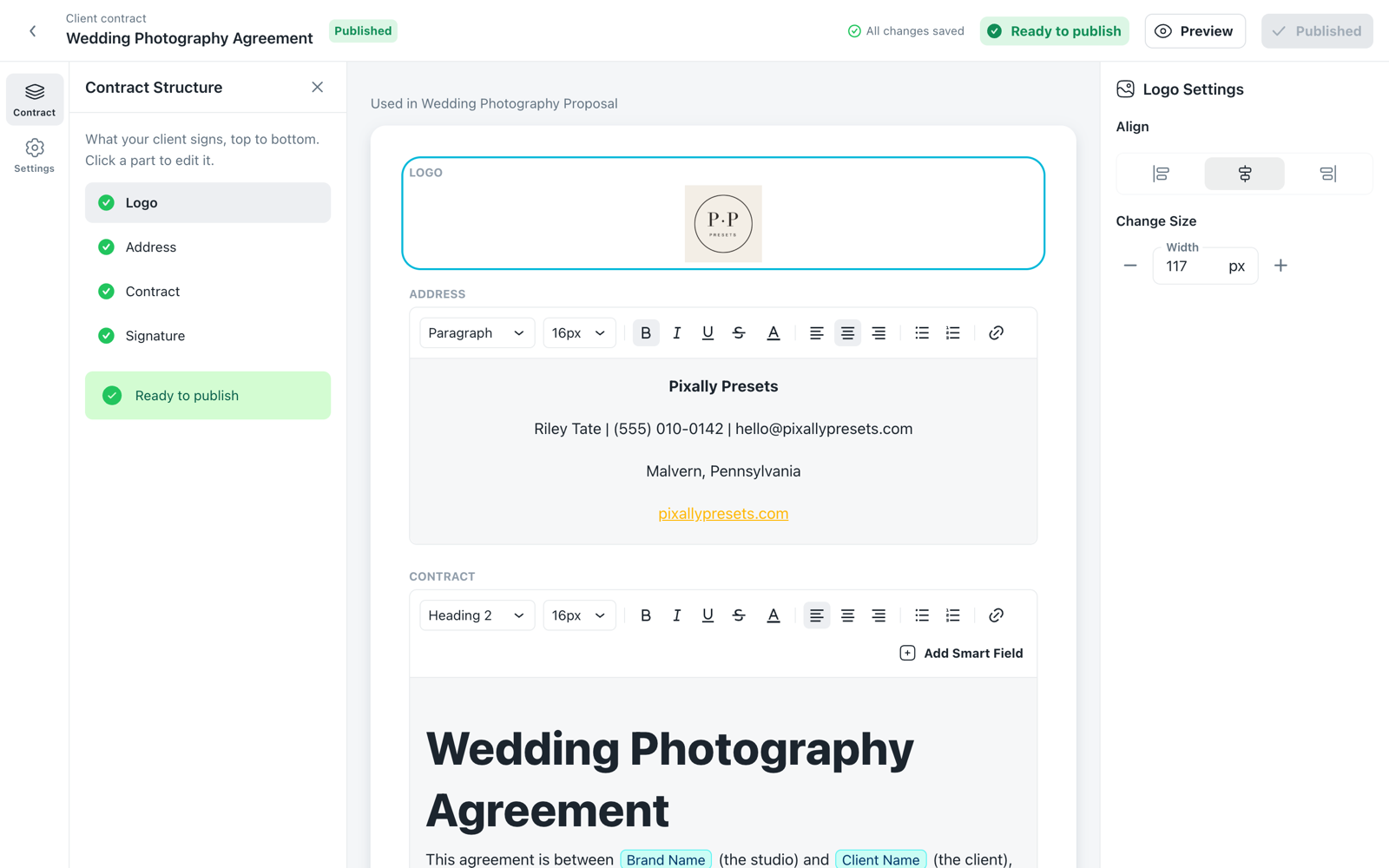
Build a contract from blocks: your logo, your address, the contract itself and the signatures. Smart fields fill in details like the client's name and your brand name, so one template works for every wedding.
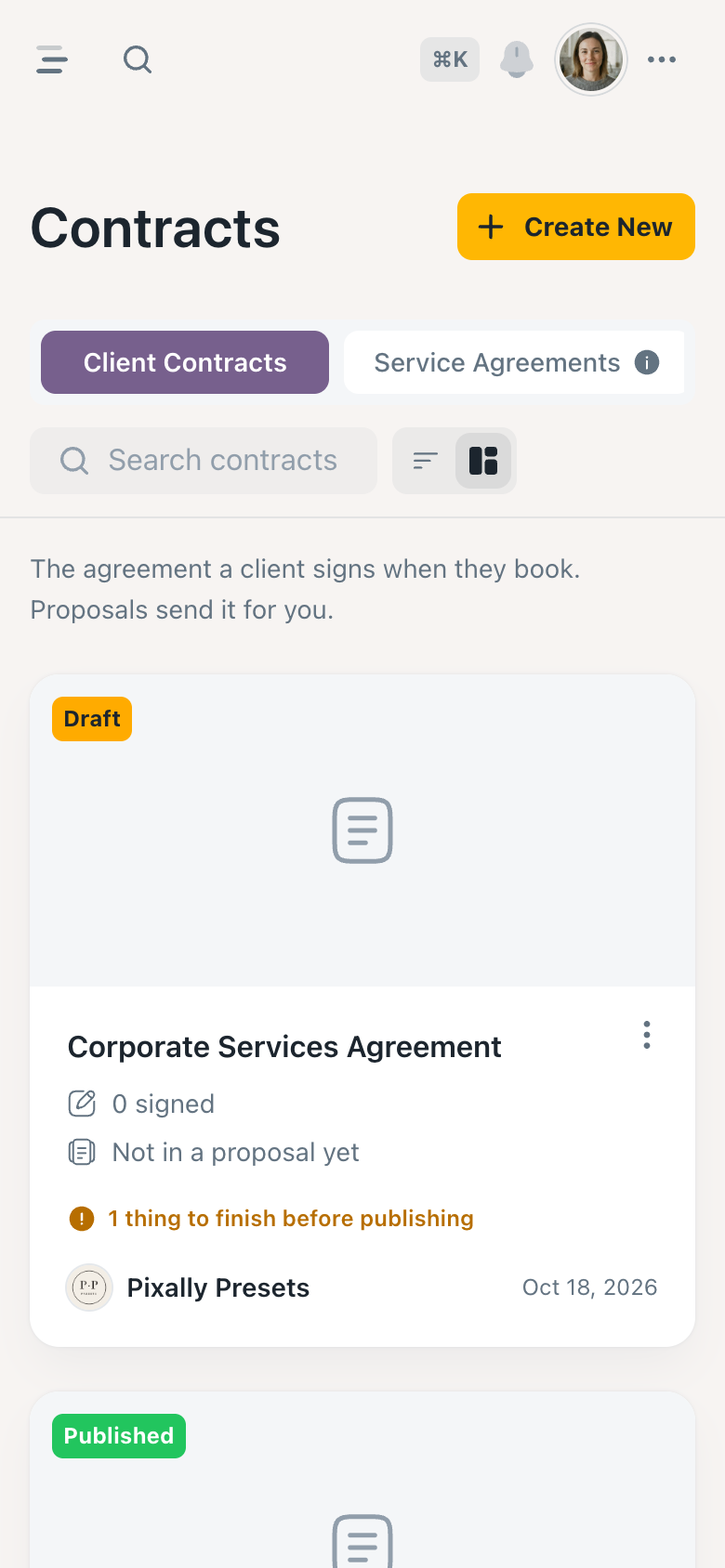
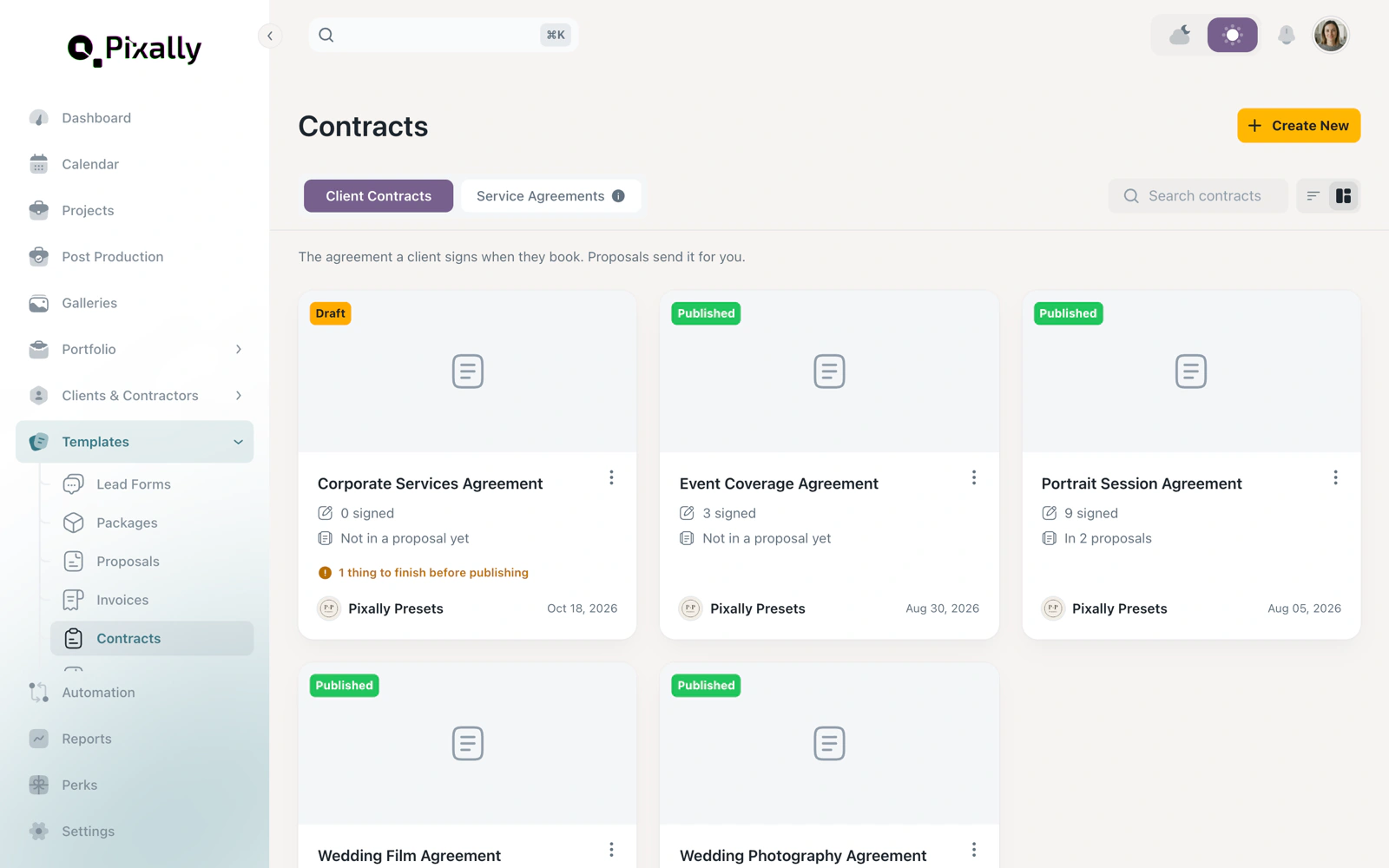
Client contracts and service agreements sit on their own tabs, each showing how many have been signed and how many proposals use it.
Already have a contract? On a paid plan, drop it in and Pixally's AI sets it up as a template for you to check.
Signed in the proposal
They sign it on the way to the retainer.
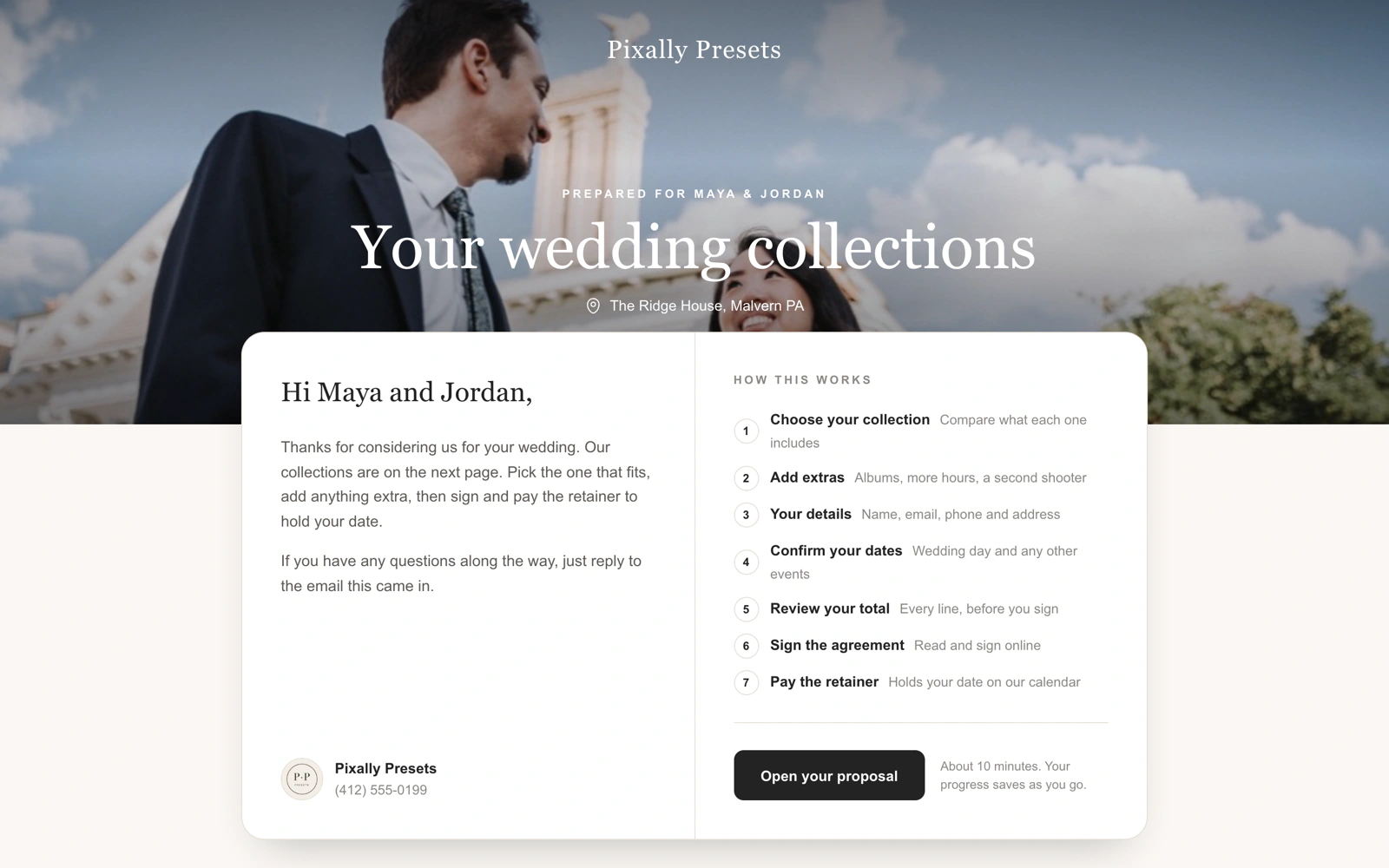
The contract is part of the proposal, so the couple reads and signs it as one of the steps to booking, right before they pay the retainer.
By signing in the client portal, a couple agrees that an electronic signature counts the same as a signature on paper, and they can download their own copy. The agreement is between you and your couple: Pixally presents it, records that they signed it and stores it for you. It does not review your contract or advise on it, so have a lawyer in your state look at your template.
FAQ
Contracts, answered
Is e-signature included on every Pixally plan?
Yes. Contracts with e-signature are on every plan, including Free.
Does an electronic signature count?
When a couple signs in the client portal, they agree that their electronic signature and the electronic record count the same as a signature on paper. Whether your contract holds up depends on what it says and where you work, so have a lawyer in your state review your template.
Does Pixally write or review my contract?
No. The agreement is between you and your couple. Pixally presents it, records that they signed it and stores it for you; it does not review it, advise on it or become a party to it.
Can I use the contract I already have?
Yes. On Basic, Pro and Studio, and during the free trial, drop in your existing contract and Pixally's AI sets it up as a template for you to check.
What are smart fields?
Placeholders in your template, such as the client's name or your brand name, that fill in for each couple, so one contract works for every wedding.
Keep reading
Related
Features
Field notes
- The Wedding Photography Contract: The Clauses That Actually Protect You
- Wedding Videography Contract Template: A Free Agreement Written for Film, Not Borrowed From Photography
- The 3-Day Right to Cancel a Wedding Contract Depends on Where It Was Signed
- Wedding Photographer Model Releases: Your Contract Covers the Couple, Not the Guests
Run your next season in one place.
Start on the Free plan, and bring your studio with you.
- Free plan
- No card needed
- Free AI import from your old CRM